How Independent Artists Can Promote a Music Video on YouTube
A music video can become one of the most powerful assets in an independent artist’s release campaign. It gives the song a visual identity, gives fans something shareable, and creates a deeper moment than a streaming link alone. But simply uploading the video and posting “out now” once is rarely enough.
YouTube promotion works differently from playlist pitching or short-form social media posting. The platform is shaped by viewer behavior: who clicks, who keeps watching, what they watch next, and where the traffic comes from. That means your title, thumbnail, description, Shorts strategy, playlists, end screens, and analytics all matter.
For independent artists, the goal should not be to chase random views. A stronger goal is to attract relevant viewers: fans of your genre, people who already respond to similar artists, press contacts, collaborators, playlist curators, and listeners who may return for the next release.
This guide explains how to promote a music video on YouTube before release, on launch day, and after the first wave of attention fades.
Key Takeaways
| Point | Details |
|---|---|
| Promotion starts before upload | Your title, thumbnail, description, Premiere link, Shorts, credits, and release messaging should be prepared before public launch. |
| YouTube SEO is not only tags | YouTube states that titles, thumbnails, and descriptions are more important for discovery than tags, while tags mainly help with misspellings. |
| Premieres work best with active fans | A Premiere can create live chat, reminders, and a shared release moment, but it needs pre-release promotion to feel meaningful. |
| Shorts should create entry points | Use YouTube Shorts to highlight different emotional, visual, and story-based reasons to watch the full music video. |
| Analytics should shape the second push | CTR, traffic sources, retention, and watch time can show whether the issue is packaging, targeting, or the video itself. |
Prepare the Video Page Before You Announce It
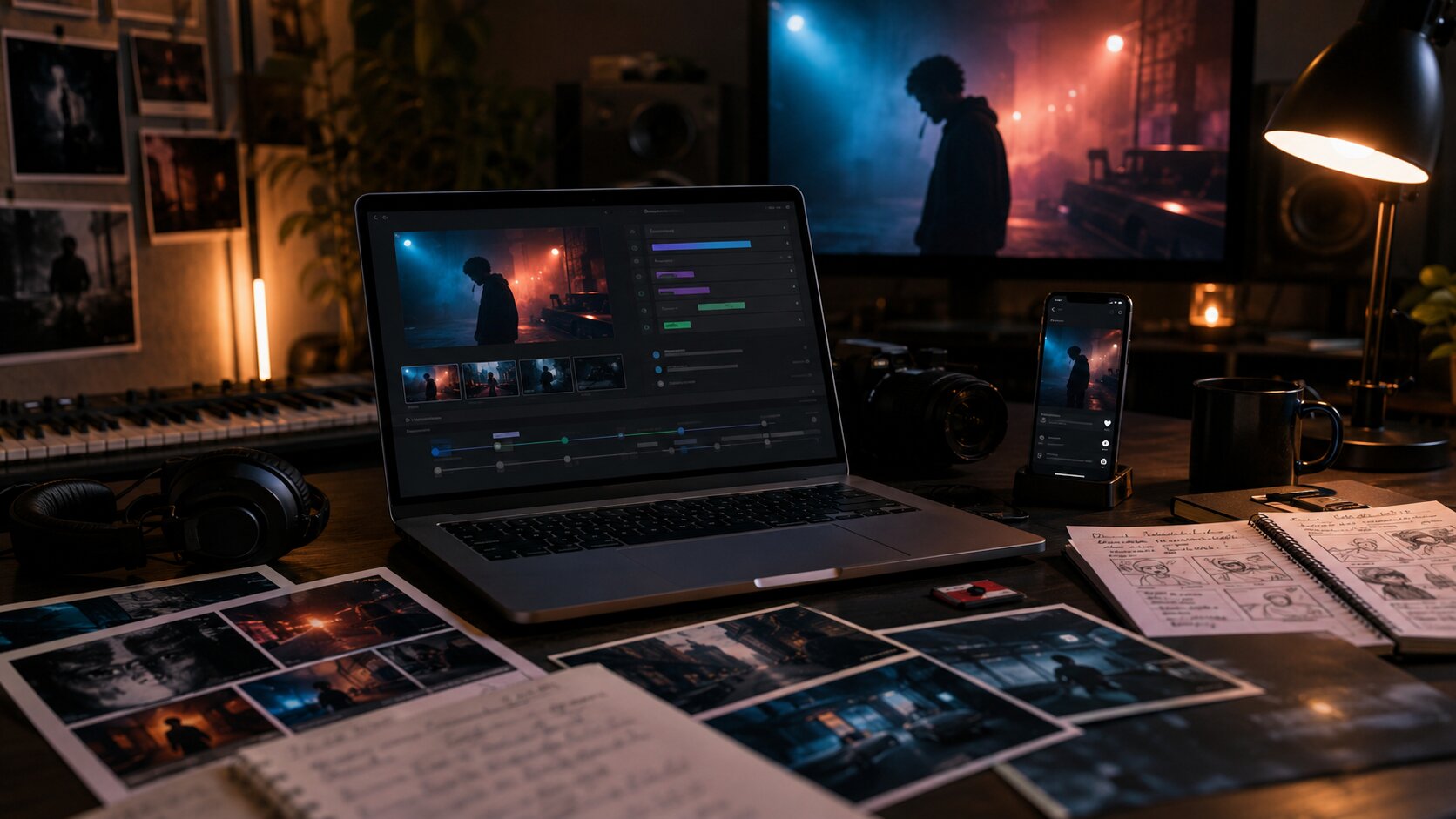
A strong YouTube campaign begins with the video page. Before you send anyone to the link, the page should already explain what the video is, why it matters, who made it, and what the viewer should do next.
Start with the title. For most official music videos, the cleanest format is still simple and recognizable: Artist Name – Song Title (Official Music Video). This helps fans, blogs, searchers, and curators identify the official upload quickly.
Avoid stuffing the title with genre terms, emotional claims, or “viral” wording. A title like Lena Vale – Night Signals (Official Music Video) looks more credible than Best New Dark Pop Music Video 2026 Emotional Viral Song.
The thumbnail has a different job. It does not need to explain the whole video. It needs to create a clear visual promise. Choose one strong face, frame, object, color palette, or cinematic moment that represents the emotional world of the song.
YouTube’s own thumbnail guidance encourages creators to think about the intended audience and use composition intentionally rather than crowding the image with too many competing details. (YouTube Help – Thumbnail tips)
Your description should support both discovery and action. Open with a concise sentence about the song and video, then add streaming links, credits, social links, release context, and related videos or playlists. YouTube recommends using descriptions to add useful context, links, credits, and related content. (YouTube Help – Video description tips)
A practical music video description structure
- One-sentence hook about the video or song
- Streaming link or smart link
- Song credits and video credits
- Brief release context
- Social links and official website
- Related playlist or previous video
- Relevant hashtags
Hashtags can help connect your content with related videos or playlists on YouTube and YouTube Music, but they should be specific. Use hashtags such as #indierock, #rnbmusic, #officialmusicvideo, or a campaign-specific artist tag rather than broad spam. (YouTube Help – Hashtags on YouTube)
Pro Tip: Prepare two or three thumbnail concepts before release. If your channel has access to YouTube’s testing tools, you may be able to test titles, thumbnails, or combinations through YouTube Studio.
Turn the Premiere Into a Fan Moment
A YouTube Premiere can be useful for music videos because it creates a scheduled watch page before the video goes live. That gives you a link to promote in advance instead of waiting until release day.
YouTube allows creators to schedule a public video as a Premiere, giving viewers the option to set reminders and join the watch experience when it begins. YouTube also notes that Shorts are not supported for Premieres. (YouTube Help – Premiere a new video)
A Premiere works best when the release has at least one clear reason for people to show up together. That might be an existing fanbase, a strong visual concept, a collaboration, a press push, or a behind-the-scenes story worth discussing in live chat.
Do not use a Premiere only because it sounds professional. A Premiere with no pre-release activity can make the launch feel quiet. If your audience is still small, a normal upload supported by Shorts, social posts, email, and direct outreach may work better.
A simple Premiere timeline
- 7–10 days before release: Upload the video privately or schedule the Premiere. Finalize the title, thumbnail, description, credits, and links.
- 5–7 days before release: Announce the Premiere link and ask fans to click “Notify me.”
- 2–3 days before release: Share a teaser, behind-the-scenes clip, still image, lyric moment, or director note.
- Release day: Be present in live chat and pin a comment with the streaming link, merch link, tour dates, or next action.
- After release: Update your social bios, channel homepage, and related playlists to point toward the new video.
Use Shorts as Multiple Doors Into the Music Video
YouTube Shorts should not be treated as leftover scraps from the main video edit. They should be mini-campaign assets with their own hooks.
For a music video release, Shorts can introduce different reasons to care: the chorus, the visual concept, the emotional line, the story behind the shoot, the dance moment, the outfit, the location, or the fan challenge. Each Short should give viewers a clear reason to watch the full video.
| Short Type | Purpose | Example |
|---|---|---|
| Best visual moment | Show the strongest frame from the video | A dramatic lighting change, dance move, or final shot |
| Lyric hook | Make one emotional line memorable | A captioned chorus phrase or repeated lyric |
| Story setup | Explain the concept quickly | “We shot this video in one room to make it feel like a memory loop.” |
| Behind the scenes | Humanize the release | Crew setup, wardrobe, rehearsal, location scouting |
| Fan prompt | Invite participation | “Use this sound for the moment you finally walked away.” |
Do not post the same clip repeatedly with tiny changes. One viewer may connect with the chorus. Another may connect with the aesthetic. Another may care because the video was made independently. Your Shorts should reflect those different entry points.
The mistake to avoid is using Shorts only as ads. A Short that says “watch my new video” is usually weaker than a Short that makes viewers feel something first.
Build a Viewing Path Around the Video
YouTube promotion does not end at the play button. Once someone watches the music video, you want to guide them toward another meaningful action.
Use end screens, cards, playlists, pinned comments, and channel layout to create a path. YouTube says end screens can appear during the final 5–20 seconds of a video and can promote other videos, playlists, subscriptions, and more. (YouTube Help – End screens)
For a music video, your viewing path might look like this:
- Music video → Behind-the-scenes video → EP playlist → Subscribe
- Music video → Lyric video → Live performance → Streaming link in pinned comment
- Music video → Artist playlist → Tour announcement → Email signup
Create a dedicated playlist for the release. YouTube allows creators to create and manage playlists, including playlists that can include videos and Shorts. A playlist is especially useful when you have several assets around one song, such as an official video, visualizer, lyric video, acoustic version, trailer, interview clip, and Shorts. (YouTube Help – Create and manage playlists)
Also update your channel homepage. If you have an Official Artist Channel, YouTube describes it as a way to bring together content and subscribers from different YouTube channels into one official artist presence. (YouTube Help – Official Artist Channels)
Promote Outside YouTube Without Breaking the Momentum
External promotion matters, but it should not be chaotic. Your goal is to send the right people to the video at moments when they are likely to watch, not just click and leave.
Start with owned audiences. Email lists, SMS lists, Discord communities, Patreon supporters, and close social followers are valuable because they already know the artist. Give them a reason to watch early: a personal note, a story behind the video, or a limited release-day interaction.
Then move to public channels. Use Instagram Reels, TikTok, YouTube Shorts, X, Threads, Reddit communities where self-promotion is allowed, genre-specific Discord servers, local press, music blogs, collaborator accounts, and the networks of the director, producer, stylist, or featured artist.
The key is to tailor the message. A blog needs a press angle. Fans need emotional context. A collaborator needs clean assets. A playlist curator may care more about the song than the video. A local publication may care about the shooting location, artist background, or creative team.
Avoid sending people a bare link with no context. A stronger message explains why the video is worth watching now.
We just released the official video for “Glass Weather.” It was shot in one continuous night sequence to match the song’s feeling of trying to outrun a breakup. Watch it here.
That kind of message gives the viewer a reason to care before they click.
Use Paid Promotion to Amplify Proof, Not Replace Demand
YouTube ads can help a music video reach more viewers, but they are not a magic fix for weak packaging or unclear audience targeting.
YouTube Help explains that creators can set up simpler campaigns through the Promotions tab in YouTube Studio, while more advanced controls are available through Google Ads. (YouTube Help – Promote your videos)
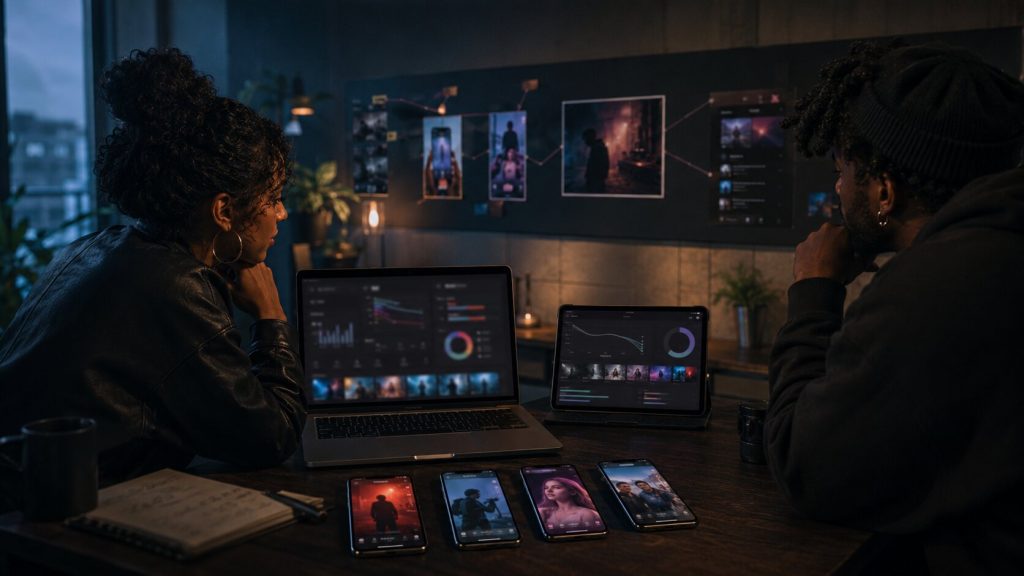
For independent artists, paid promotion works best when you already have signs that the video connects. Before spending heavily, check whether organic viewers are watching past the opening, engaging in comments, clicking from Shorts, or subscribing after watching.
A cautious paid promotion approach
- Start with a small test budget.
- Target by geography, language, genre interest, or similar audience signals where available.
- Use the strongest 15–30 seconds as ad creative if running a separate ad.
- Track viewer quality, not only cost per view.
- Pause campaigns that bring weak retention or irrelevant engagement.
The mistake to avoid is buying cheap, low-intent views from questionable services. They may inflate the visible number, but they usually do little for subscribers, comments, saves, or long-term fan growth. Poor engagement can also make it harder to understand how real listeners are responding.
Read the First Two Weeks of Data Like a Campaign Report
The first release wave is not only a performance result. It is research.
YouTube Analytics can show traffic sources, impressions, click-through rate, watch time, retention, and audience behavior. YouTube explains that traffic sources show how viewers find videos, including Search, Suggested Videos, Browse features, External, and other surfaces. (YouTube Official Blog – Metrics creators should understand)
If impressions are low
The video may not be reaching many viewers inside YouTube. Improve the title, thumbnail, description, playlists, channel layout, Shorts, and external promotion. Also check whether your intended audience is too broad or unclear.
If impressions are high but CTR is low
The thumbnail-title combination may not be strong enough. Test a clearer image, stronger emotional frame, or cleaner title. Avoid misleading thumbnails, because clickbait may create clicks without meaningful watch time.
If CTR is good but retention is weak
The video may not deliver quickly enough on the promise. For future videos, consider a stronger opening shot, shorter intro, clearer story, or faster arrival at the song’s emotional hook.
If external traffic is high but YouTube discovery is low
Your social promotion may be working, but the video may not yet be earning enough internal recommendations. Strengthen related videos, end screens, playlists, pinned comments, and Shorts that keep people watching within your channel.
Do not judge everything in the first 24 hours. Music videos can receive multiple waves of attention: fan launch, social clips, blog coverage, playlist discovery, algorithmic recommendations, and later catalog discovery.
Common Music Video Promotion Mistakes to Avoid
The most common mistake is treating YouTube like storage. YouTube is not only a place to host the video. It is a search engine, recommendation platform, music discovery tool, and fan community.
- Uploading without a release plan: If no one knows the video is coming, the launch depends too much on luck.
- Using a weak thumbnail: The thumbnail is campaign packaging. It deserves as much care as cover art.
- Ignoring the description: Credits, links, collaborators, and context help fans, press, and searchers understand the release.
- Overvaluing tags: YouTube states that tags play a minimal role in discovery compared with titles, thumbnails, and descriptions. (YouTube Help – Add tags to videos)
- Sending all traffic away from YouTube: During video launch week, make the music video the main destination while still including streaming links in the description and pinned comment.
- Not clearing rights: If your video includes third-party footage, samples, or copyrighted material, check permissions before upload. YouTube’s Content ID system can identify matches against files submitted by copyright owners. (YouTube Help – How Content ID works)
- Stopping after release day: Continue the campaign with Shorts, behind-the-scenes posts, acoustic versions, reaction clips, press outreach, and playlist routing.
How BlockTone Records Can Support Your Rollout
For independent artists, a YouTube music video release works best when creative direction, metadata, timing, and promotion support the same goal. BlockTone Records can help artists think beyond the upload and build a campaign around the video’s strongest assets.
That means shaping the release plan, preparing short-form content angles, building a stronger YouTube channel experience, and connecting the video to a wider artist ecosystem. A music video should not feel like an isolated file on the internet. It should become part of the artist’s story, catalog, and fan journey.
FAQs About Promoting a Music Video on YouTube
How early should I start promoting a music video on YouTube?
Is a YouTube Premiere better than a normal upload?
Do YouTube Shorts help promote music videos?
Should I pay to promote my music video on YouTube?
What is the best title format for a music video?
How important are YouTube tags for music videos?
What should I track after releasing a music video?
Sources Used
- YouTube Help – Thumbnail tips
- YouTube Help – Tips for video descriptions
- YouTube Help – Premiere a new video
- YouTube for Artists – Pre-release strategy
- YouTube Help – Add end screens to videos
- YouTube Help – Create and manage playlists
- YouTube Help – Promote your videos
- YouTube Official Blog – Master these metrics
- YouTube Help – Add tags to videos
- YouTube Help – How Content ID works